About the client
The client is a seller of seasonal candy and sweet gift baskets. Their range of products includes sweet gifts for family members of all ages in the shape of boxes and toys.
Tasks
Shortly before Christmas, all Drupal developers left the company that had previously been supporting the company’s website. That was how we got involved with the project. We had to kick into gear quickly because the website had several issues that had to be solved before the holiday season started. The list of tasks included these:
- blocks with links had to be search engine optimized, i.e. not to contain the <a> tag and use the JavaScript code,
- all images should be displayed correctly,
- filters should work properly,
- a special pop-up tag had to show all products in the selected price range,
- the filter associated with the Select a Gift button should sort products correctly.

Solutions
Importing product listings
When site administrators need to update the lists of available products on the website, they don't type in the items’ parameters manually but import .xls files from the catalog. In this file, every product is associated with a number of entities: “ingredients,” “sets,” “gifts,” etc. Each of them is imported from the file to the website separately.
A custom module was responsible for the process, but it was buggy. The file was automatically uploaded to the server and constantly updated. Still, the Drupal-run back end of the site could not process it because it was looking for it in a different server directory. Also, the module’s parser, which is supposed to read the columns with the info about gifts and convert their contents into variables for the directory, was not working. It was accessing the wrong column.
In the end, we decided that, given limited time, it would be faster to fix the custom module than to look for a contrib one.
WHAT TO DO IF AN INVENTORY SYSTEM DISPLAYS THE REMAINING STOCK INCORRECTLY ➜
Fixing catalog filters
The website filters sweet gifts by price, type of packaging, weight, and ingredients. Filters work through Ajax modules.
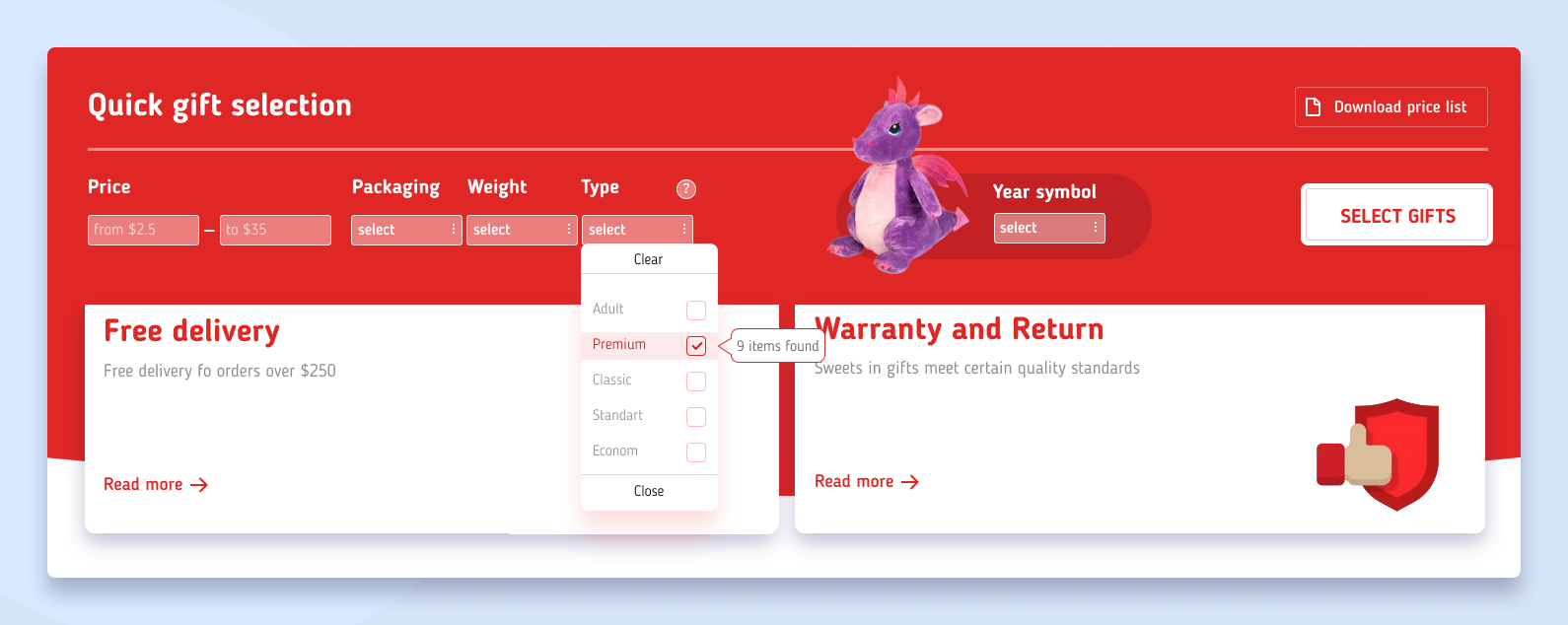
The conditions specified by the filters could not be applied simultaneously. If one selected a 200-gram gift with premium ingredients, the results would list premium gifts of all weights. We fixed this by correcting the SQL queries and rewriting part of the JS code responsible for applying filters.
We also added new filters for ingredients and set up the automatic yearly change of the Chinese zodiac sign symbol in the header. A special tag now shows how many products fall under the selected price range even before you hit the filter button.
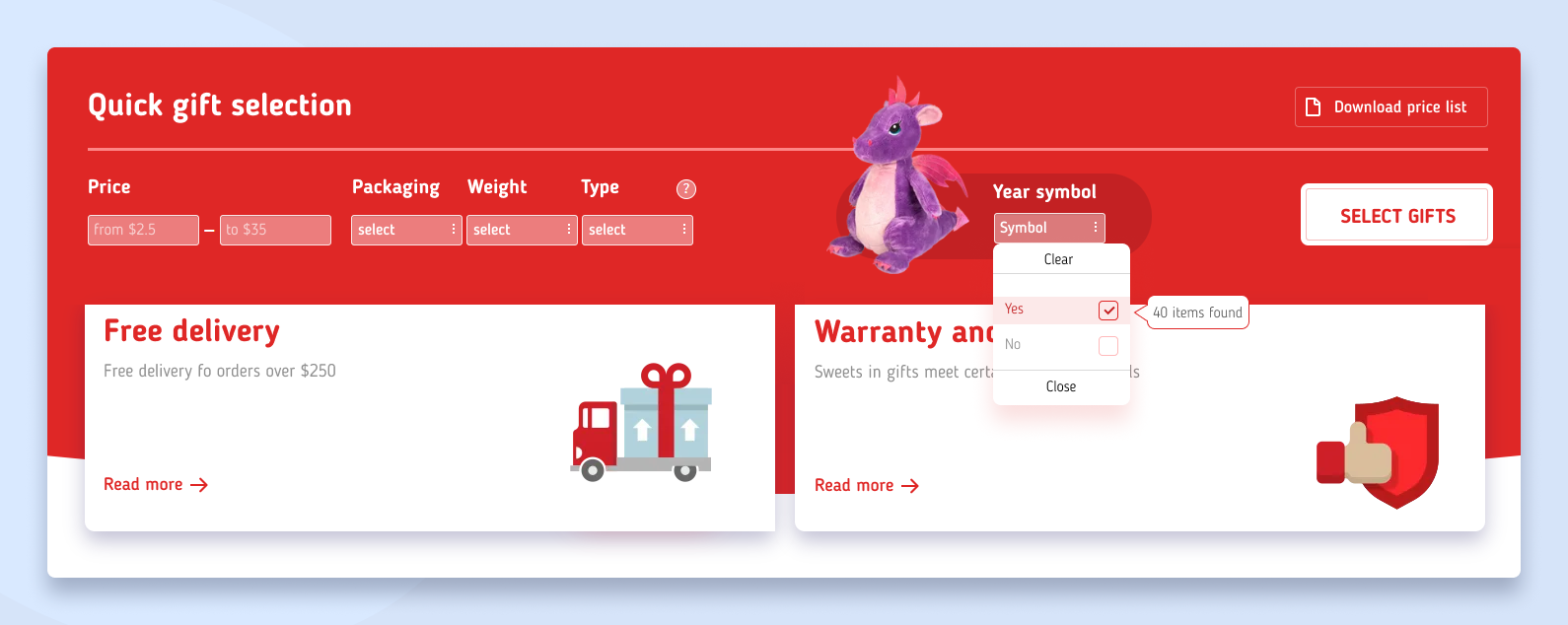
Image output issue
While investigating why some images were not loading, we concluded that JD, the PHP extension, was not working properly. It was used to generate thumbnails from a larger image, and while generating, the library was returning an error.
We plugged in the ImageMagick library to test it out, and it did what we expected: it generated thumbnails. We ended up replacing JD with ImageMagick, which supported more image formats and was overall more popular.
We were also considering using a content delivery network (CDN), but we rejected the idea after we worked with the technical support of the provider.
What's next?
Before Christmas, the client shared plans to redesign the website and implement new functionality, and we agreed to get back to it after the holidays. Among the problems we see is the work of the Ajax modules responsible for filtering and the Select a Gift function. Ajax modules are a convenient solution, but they work incorrectly in this case. They should be rewritten so that they coordinate with the work of the standard Ajax mechanism in Drupal.
JavaScript should also be rewritten according to Drupal standards. At the time of the case study release, the JS code on the site did not take into account the JavaScript API, which is used in Drupal. Problems arise in components such as the filter, where one can write more flexible and stable code using the JavaScript API.
